1. Mawu Oyamba
The YI 2pc Smart Home Camera system provides 1080p Full HD indoor security surveillance. Designed for ease of use, these cameras offer features such as enhanced night vision, two-way audio, and advanced AI detection capabilities for monitoring your home, pets, or children. This manual will guide you through the installation, operation, and maintenance of your cameras.
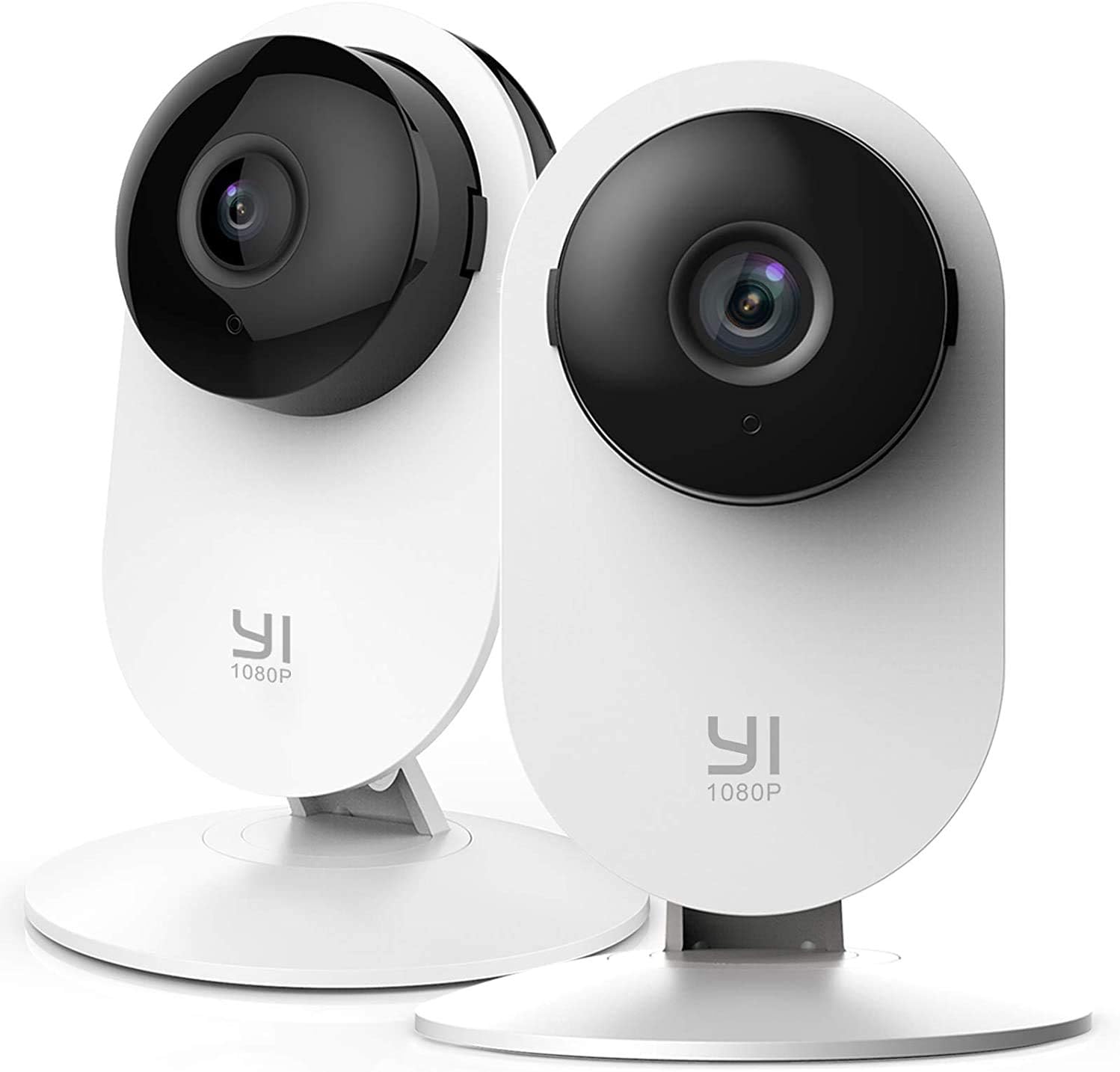
Image 1.1: YI 2pc Smart Home Camera units.
2. Zamkatimu Phukusi
Chonde tsimikizirani kuti zinthu zonse zilipo mu phukusi lanu:
- 2 x YI Smart Home Camera (Model YYS.2016)
- 2 x Adapter Mphamvu
- 2 x Chingwe cha USB
- 2 x Wall Mount Base
- Zokwera Zopangira
- Buku la ogwiritsa (chikalatachi)
3. Kukonzekera Guide
3.1. Mphamvu Pa Kamera
- Connect the USB cable to the camera's power port.
- Lumikizani mbali ina ya chingwe cha USB mu adaputala yamagetsi.
- Insert the power adapter into a standard electrical outlet. The camera will power on and begin its startup sequence.
3.2. Downloading the YI Home App
The YI Home App is required for camera setup and operation. Download it from your device's app store (iOS or Android).
- Saka "YI Home" in the App Store or Google Play Store.
- Install the app and create an account or log in if you already have one.
3.3. Pairing the Camera with the App
- Open the YI Home App and tap the '+' icon to add a new device.
- Sankhani chitsanzo cha kamera yanu pamndandanda.
- Follow the on-screen instructions to connect the camera to your 2.4GHz Wi-Fi network. Zindikirani: 5GHz Wi-Fi networks are not supported.
- The app will generate a QR code. Hold your camera approximately 4-8 inches (10-20 cm) in front of your phone screen so the camera can scan the QR code.
- Once the camera successfully scans the code, it will confirm the connection.
3.4. Kuyika Kamera
The camera can be placed on a flat surface or mounted to a wall or ceiling using the provided base and screws.
- Kuyika Pamwamba Pamwamba: Simply place the camera on a stable, flat surface.
- Kuyika Pakhoma: Secure the wall mount base to your desired location using the screws. Attach the camera to the base. Ensure the camera is positioned to cover the desired area.
4. Kugwiritsa Ntchito Kamera Yanu
4.1. Khalani ndi Moyo View ndi Recording
Access live video streams from your camera anytime, anywhere through the YI Home App. The camera records in 1080p Full HD at 15 frames per second with a 112° wide-angle lens and F/2.0 aperture.
4.2. Njira ziwiri Zomvera
The integrated microphone and speaker allow for two-way communication. Use this feature to speak to family members, pets, or deter intruders directly through the app.
4.3. Masomphenya Abwino a Usiku
The camera features 8 individual 940nm infrared LEDs for clear night vision up to 9 meters (approximately 30 feet) in low-light conditions. The infrared (IR) function activates automatically when ambient light is insufficient.

Image 4.1: Enhanced Night Vision capability for clear viewkukhala mumdima.
4.4. Smart AI Detections
The YI Smart Home Camera utilizes advanced AI to distinguish between different types of motion, reducing false alarms.
- Kuzindikira Anthu: Identifies human figures, sending alerts only when a person is detected.
- Kuzindikira Magalimoto: Recognizes vehicles in the camera's field of view.
- Kuzindikira Zinyama: Distinguishes pets and other animals.
- Kuzindikira Kulira kwa Mwana: Specifically alerts you when a baby's cry is detected, ideal for nursery monitoring.
- Barking Detection: Notifies you of dog barking sounds.

Image 4.2: Person, Vehicle, and Animal Detection features.
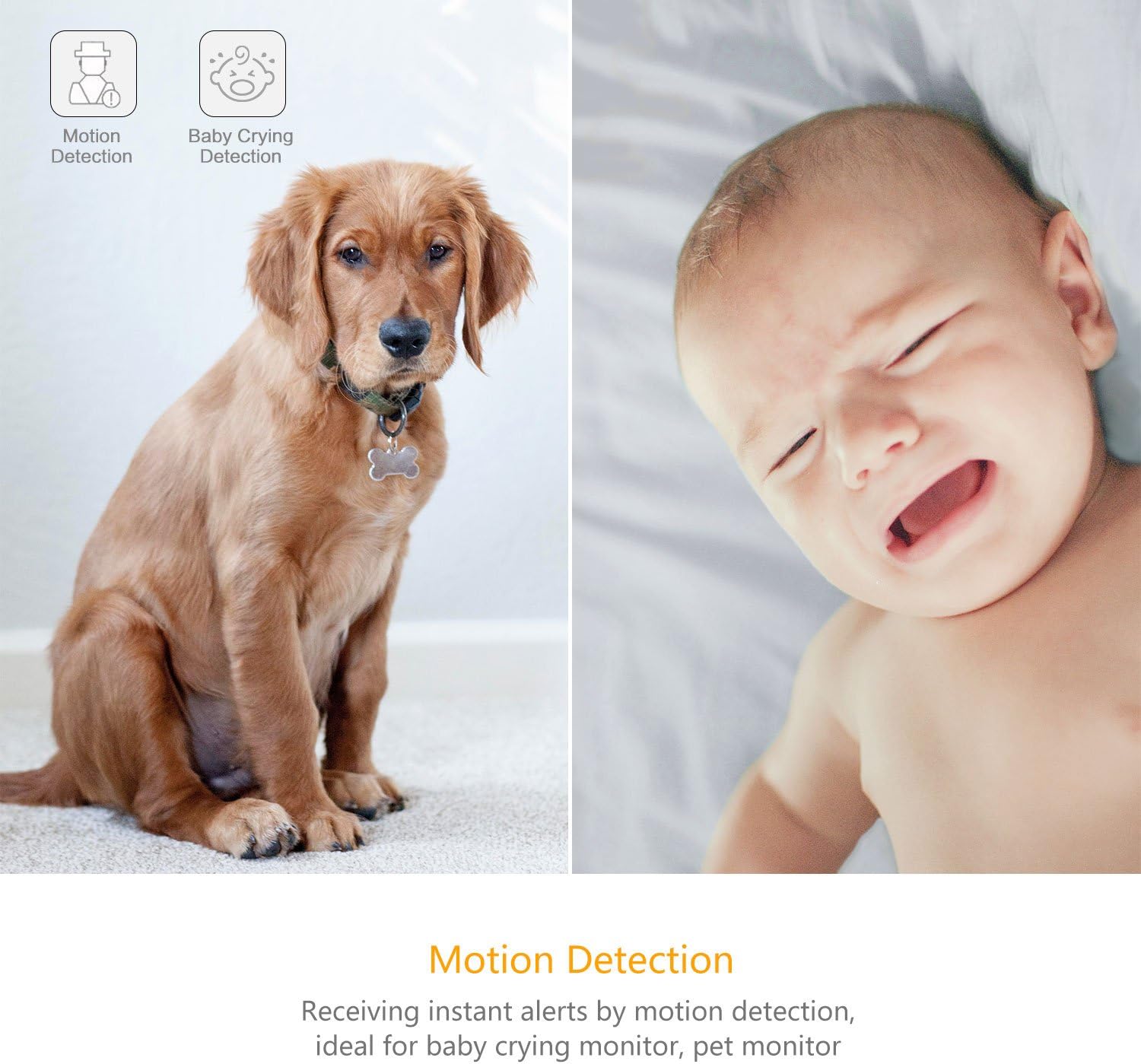
Image 4.3: Motion Detection and Baby Crying Detection.
4.5. Zosungirako Zosungira
- YI Cloud Service: Securely store your recorded footage in the cloud. This prevents data loss from physical damage to an SD card and offers advanced compression and data protection. (Subscription may be required for full features).
- Local Storage (MicroSD Card): The camera supports MicroSD cards from 4GB up to 64GB for local video storage. Insert the card into the designated slot on the camera.

Image 4.4: YI Cloud service for secure storage.
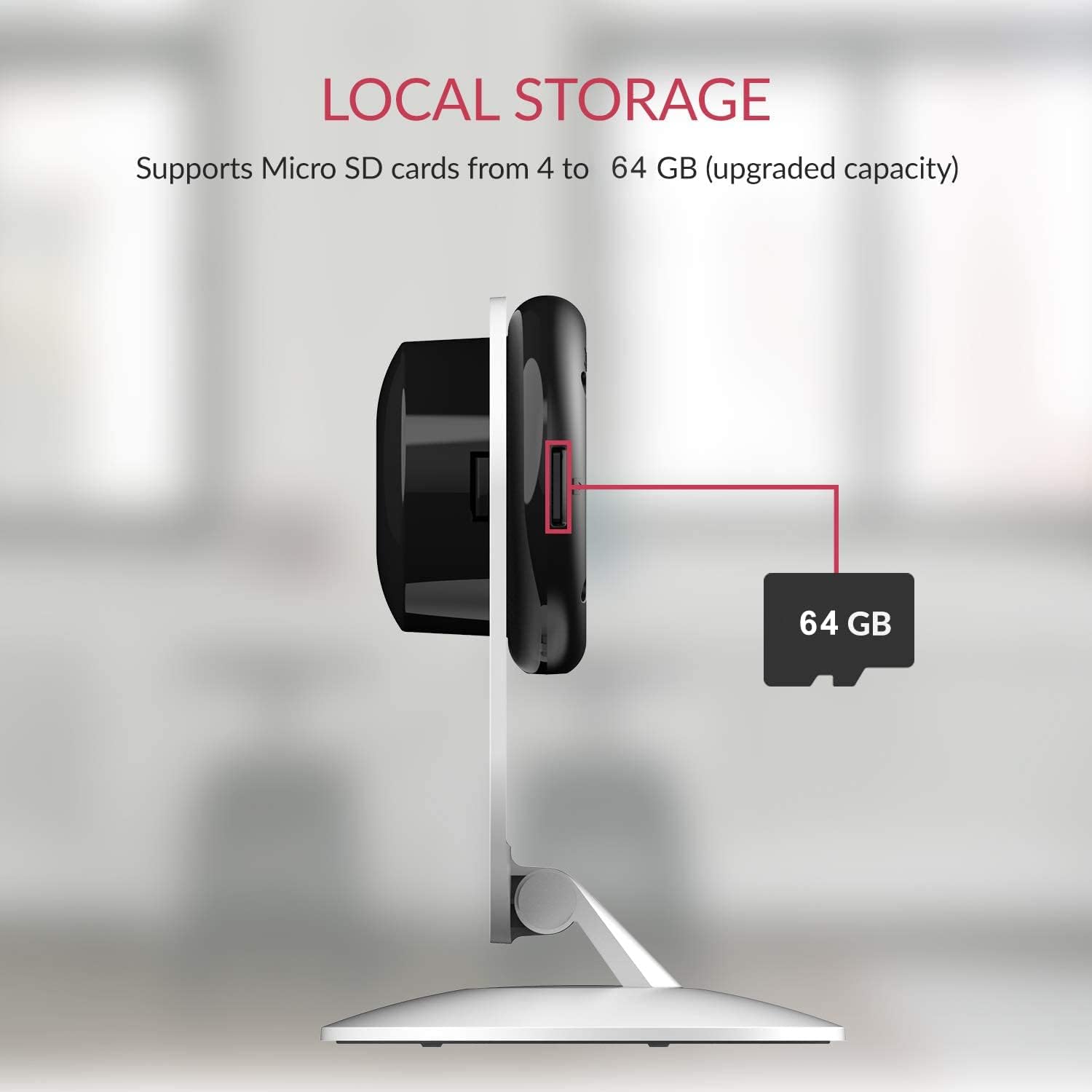
Image 4.5: Local storage via MicroSD card.
4.6. Activity Zones
Sinthani madera ena mkati mwa kamera view to monitor for activity. This allows you to focus on critical zones and receive alerts only when motion is detected in those areas.
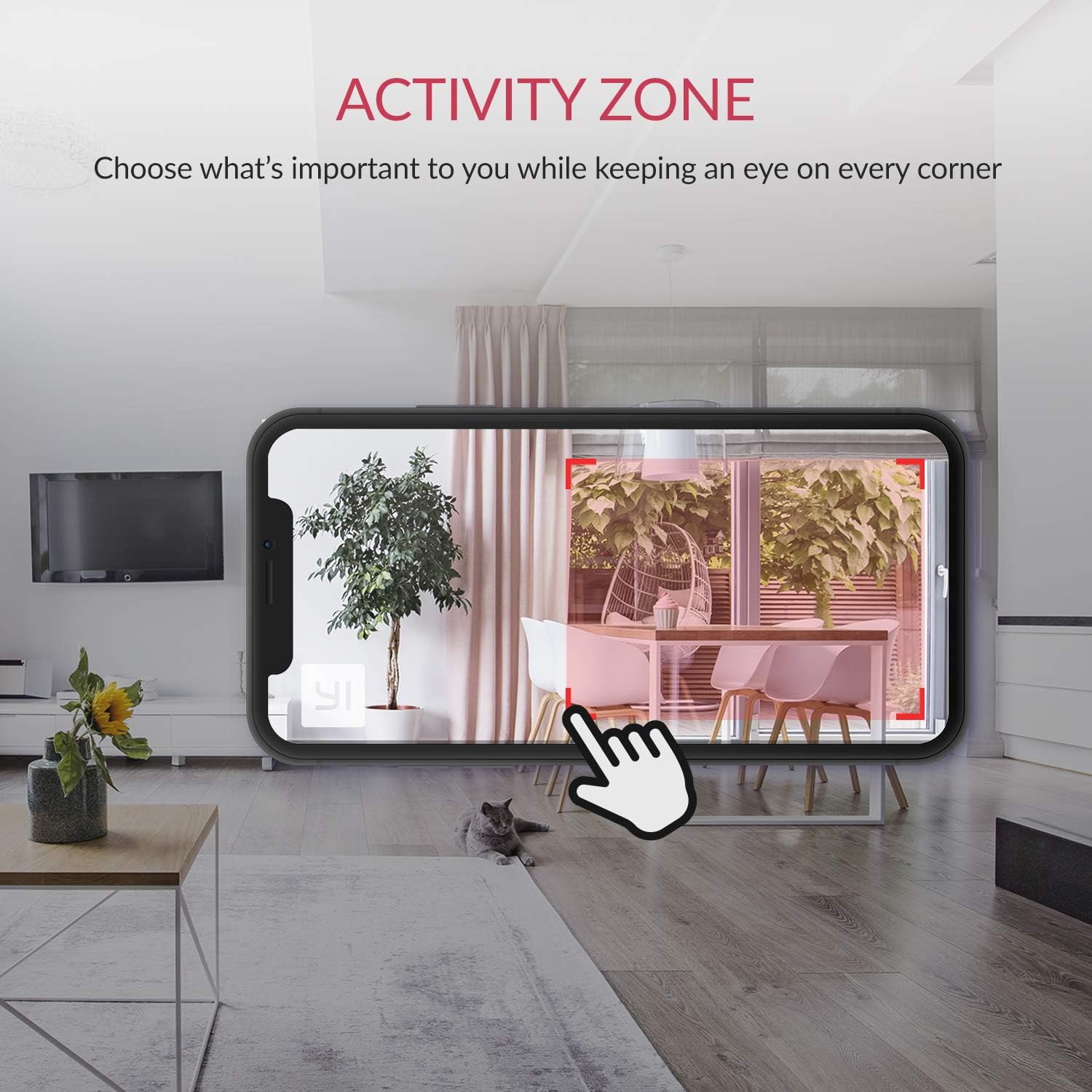
Image 4.6: Setting up Activity Zones in the YI Home App.
4.7. Home/Away Modes
Configure your camera's behavior based on whether you are home or away. This feature allows you to customize alert settings and recording preferences for different scenarios.

Image 4.7: Home and Away Modes in the YI Home App.
4.8. Kuphatikiza kwa Smart Home
The YI Smart Home Camera is compatible with Amazon Alexa and Google Assistant. You can use voice commands to view live feeds on compatible smart displays.
- Example Command (Alexa): "Alexa, show me the baby room."

Image 4.8: Integration with Amazon Alexa.
5. Kusamalira
5.1. Kuyeretsa
To maintain optimal performance, periodically clean the camera lens and body. Use a soft, dry cloth. Avoid abrasive cleaners or solvents that could damage the camera's surface or lens.
5.2. Zosintha za Firmware
Ensure your camera's firmware is always up to date. The YI Home App will notify you of available updates. Firmware updates often include performance improvements, new features, and security enhancements.
5.3. Mikhalidwe Yachilengedwe
The YI Smart Home Camera is designed for indoor use. Avoid exposing it to extreme temperatures, high humidity, or direct water contact. The camera's operating temperature range is typically 0°C to 40°C (32°F to 104°F).
6. Mavuto
| Nkhani | Njira Yotheka |
|---|---|
| Kamera sikulumikizana ndi Wi-Fi |
|
| Kanema wosawoneka bwino |
|
| Masomphenya ausiku sakugwira ntchito |
|
| Zochenjeza zoyenda zabodza |
|
| No audio or poor audio quality |
|
7. Zofotokozera
| Mbali | Tsatanetsatane |
|---|---|
| Nambala ya Model | YYS.2016 |
| Kanema Capture Resolution | 1080p HD yonse |
| Mtengo wa chimango | 15fps pa |
| Kutsegula kwala | F/2.0 |
| Viewngodya | 112 ° Wide angle |
| Masomphenya a Usiku | 8 x 940nm Infrared LEDs (up to 9m) |
| Kulumikizana Technology | Wi-Fi (2.4GHz yokha) |
| Zosungirako Zosungira | YI Cloud, MicroSD Card (4GB-64GB) |
| Zomvera | Audio Wanjira ziwiri |
| Kuzindikira kwa AI | Human, Vehicle, Animal, Baby Crying, Barking Detection |
| Kugwirizana kwa Smart Home | Amazon Alexa, Google Assistant |
| Gwero la Mphamvu | Corded Electric (2.5 watts) |
| Mtundu Wokwera | Phiri la Khoma, Pamwamba Pamwamba |
| Miyeso Yazinthu | 4.3 x 5.9 x 4.3 mainchesi |
| Kulemera kwa chinthu | 9.6 pawo |
| Kugwiritsa Ntchito M'nyumba / Panja | M'nyumba |
8. Chitsimikizo ndi Thandizo
For detailed warranty information, please refer to the warranty card included with your product or visit the official YI Technology website. For technical support, frequently asked questions, or to contact customer service, please visit the YI Technology support page online.
No relevant product videos were found for embedding based on the provided data.